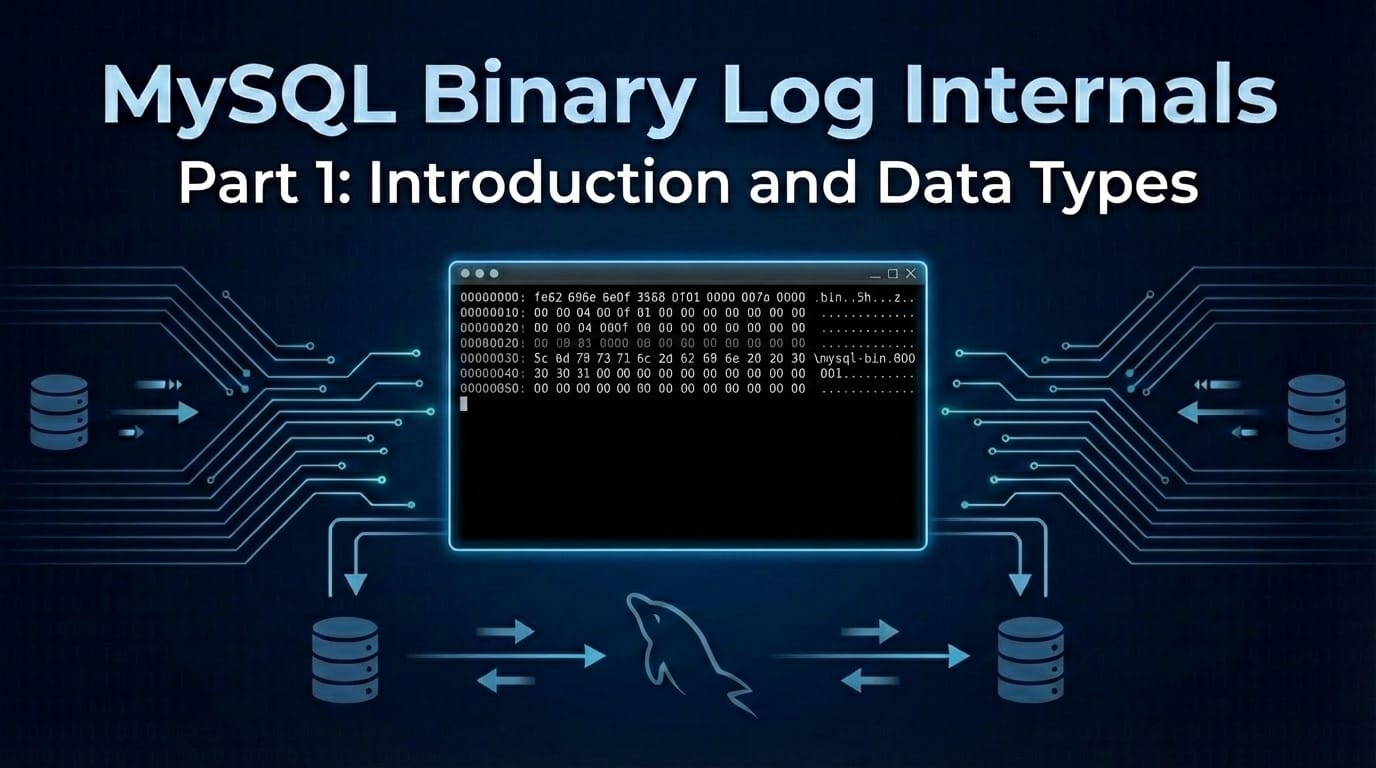
This is the first post in a series where we dive deep into the MySQL binary log format. We'll manually read binary log files byte by byte to understand exactly what goes under the hood of MySQL replication. Introduction Have you ever wondered what's actually inside a MySQL binary log? Sure, you can use mysqlbinlog to decode events, but what if you wanted to parse them yourself? Whether you're building a Change Data Capture (CDC) system, debugging replication issues, or just curious about MySQ

Marcelo Altmann
2026-02-18 · 4 min read
This is the first post in a series where we dive deep into the MySQL binary log format. We'll manually read binary log files byte by byte to understand exactly what goes under the hood of MySQL replication.
Have you ever wondered what's actually inside a MySQL binary log? Sure, you can use mysqlbinlog to decode events, but what if you wanted to parse them yourself? Whether you're building a Change Data Capture (CDC) system, debugging replication issues, or just curious about MySQL internals, understanding the raw binary log format is invaluable knowledge.
In this series, we'll take a hands-on approach: instead of just describing the format, we'll actually read real binary log files byte by byte, decoding each field as we go. By the end, you'll be able to look at a hex dump and understand exactly what MySQL wrote.
This series will cover the following topics:
Throughout this series, we'll use a simple workload to generate our binary logs:
USE presentation;

CREATE TABLE person (
    ID INT PRIMARY KEY,
    name VARCHAR(150) DEFAULT NULL
);

INSERT INTO person VALUES (1, 'Marcelo');
UPDATE person SET name = 'Marcelo Altmann' WHERE ID = 1;
DELETE FROM person WHERE ID = 1;
This gives us a complete lifecycle: table creation, insert, update, and delete — enough to demonstrate all the major event types.
Before we start reading events, we need to understand how MySQL encodes different types of values in the binary log. There are four main encoding schemes.
Most numeric fields use fixed-length encoding with little-endian byte order. For example, a 4-byte integer 0xaabbccdd is stored as:
dd cc bb aa
This is important! When you see 7a000000 in a hex dump, you read it as 0x0000007a = 122 in decimal.
Let's see more examples:
| Hex Bytes | Little-Endian Value | Decimal |
|---|---|---|
| 01000000 | 0x00000001 | 1 |
| 7a000000 | 0x0000007a | 122 |
| 7e000000 | 0x0000007e | 126 |
| 0400 | 0x0004 | 4 |
Some strings are null-terminated, meaning they end with a 0x00 byte:
61 62 63 64 00 → "abcd"
The parser reads bytes until it encounters 0x00, which marks the end of the string. This is commonly used for database names and table names in certain events.
For variable-length integers that are typically small but can occasionally be large, MySQL uses a compact encoding:
| First Byte | Meaning |
|---|---|
| 0x00 - 0xFA (0-250) | The value itself (1 byte total) |
| 0xFC (252) | Read the next 2 bytes as a 16-bit integer |
| 0xFD (253) | Read the next 3 bytes as a 24-bit integer |
| 0xFE (254) | Read the next 8 bytes as a 64-bit integer |
For example:
0x42 = 66 (single byte, value is the byte itself)0xFC 05 01 = 261 (0xFC signals 2 more bytes, 05 01 little-endian = 0x0105 = 261)0xFD 01 02 03 = 197121 (0xFD signals 3 more bytes, 01 02 03 = 0x030201 = 197121)This encoding is efficient: small values (0-250) use just 1 byte, while still supporting very large values when needed.
Optional metadata fields often use TLV encoding, which allows for extensible, self-describing data:
01 02 aa bb
│  │  └──┴── Value (length bytes)
│  └─────── Length
└────────── Type
The structure is:
For example, 01 02 aa bb means: Type=1, Length=2, Value=0xaabb.
TLV encoding is used extensively in newer events like GTID_LOG_EVENT for optional fields. This allows MySQL to add new fields without breaking compatibility with older parsers — they can simply skip unknown types.
When you're debugging replication issues or building a CDC tool like Readyset, you'll encounter these patterns constantly:
Now that we understand the basic encoding schemes, we're ready to look at the actual binary log structure. In the next post, we'll examine the file header (magic number) and the common event header — the 19-byte structure that begins every event in the binary log.
Next up: Part 2: File Header and Common Event Header
This series is based on a presentation given at the MySQL Online Summit. The goal is to help MySQL users understand what goes under the hood of replication by manually decoding binary log files.
Related articles
Continue reading more about mysql.
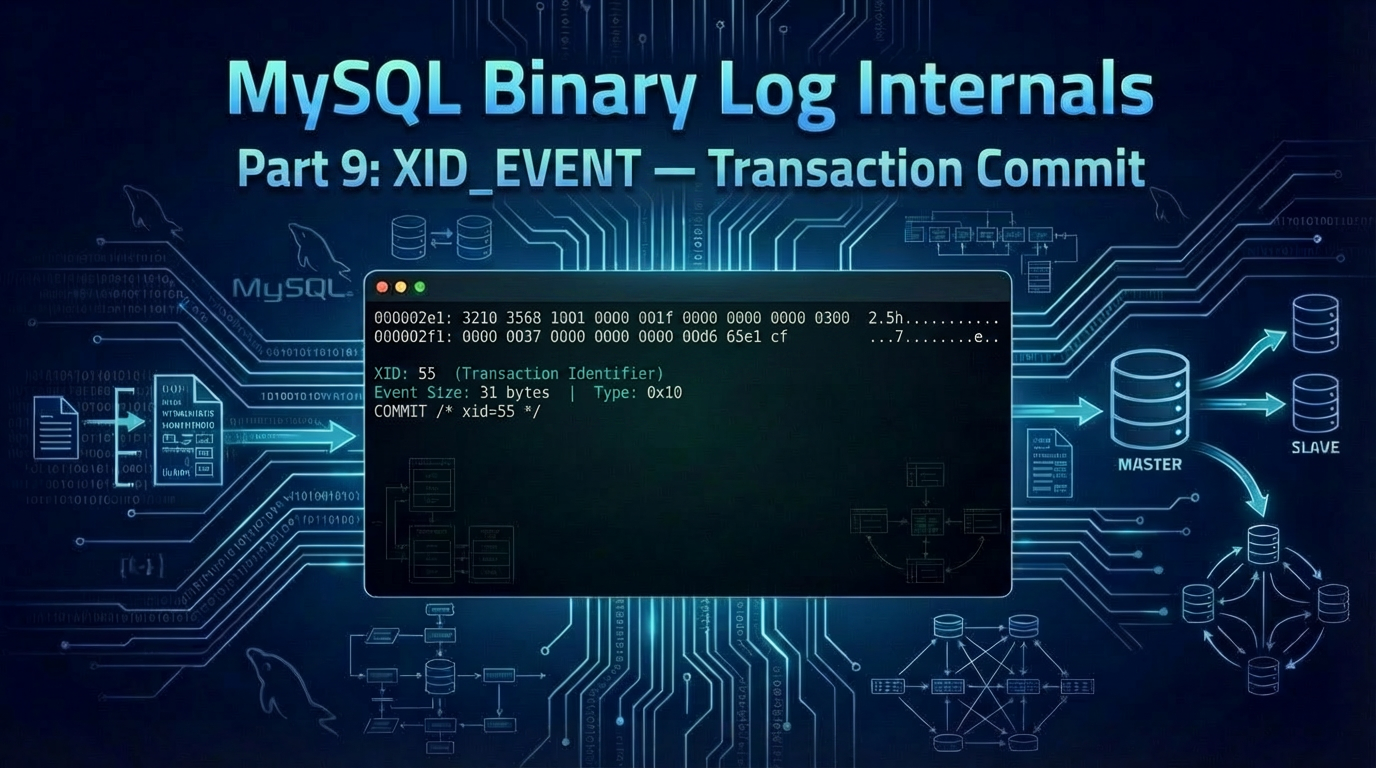
In this ninth post of our series, we decode the XID_EVENT — the smallest event in the binary log, and the one that marks every transactional commit. Introduction Every DML transaction we've decoded so far ends the same way: with an XID_EVENT (event type 16, 0x10). At only 31 bytes on the wire, it carries a single piece of information — an 8-byte transaction identifier — but it does some of the heaviest lifting in MySQL replication. The XID_EVENT is what allows replication to be crash-safe wit
Marcelo Altmann
One of the most requested features since Readyset first supported MySQL has been GTID-based replication. With the latest release, Readyset now fully supports MySQL Global Transaction Identifiers (GTIDs), and with it, a capability that changes how you think about cache durability: zero-downtime failover. This post covers what GTID support means for Readyset users, how failover works in practice, and why this matters for anyone running Readyset in production. The Problem with Binlog File and Po
Marcelo Altmann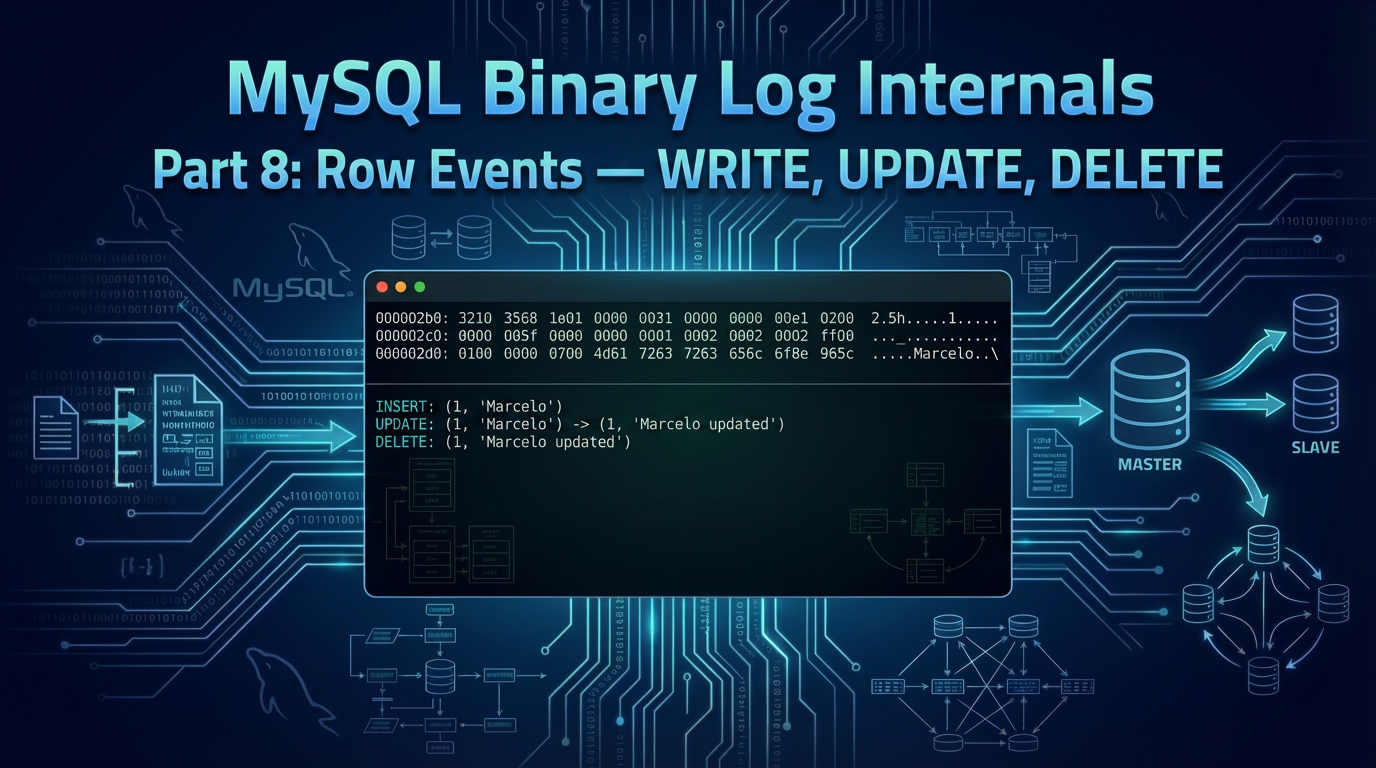
In this eighth post of our series, we decode the three row events — WRITE_ROWS_EVENT, UPDATE_ROWS_EVENT, and DELETE_ROWS_EVENT — that carry the actual row data for INSERT, UPDATE, and DELETE operations in row-based replication. Introduction In the previous posts, we decoded the events that set the stage for row-based replication: the GTID_LOG_EVENT identifies the transaction, the QUERY_EVENT opens it with BEGIN, and the TABLE_MAP_EVENT describes the table's schema. Now we finally arrive at th
Marcelo AltmannModern applications demand instant performance, even under unpredictable load. Readyset helps you eliminate slow queries, stabilize latency, and scale confidently.
Revolutionize your database performance with Readyset
Serve requests at sub-millisecond latencies with the modern database scaling and query caching system for MySQL and PostgreSQL.
Join our newsletter
Stay updated with the latest news, insights, and developments from Readyset — straight to your inbox.