
Overview MySQL 5.7 has reached EOL in October 2023 forcing users to migrate to MySQL 8.0. Migrating from MySQL 5.7 to MySQL 8.0 offers significant performance improvements and new features, but the removal of the Query Cache in MySQL 8.0 can pose challenges and performance hits. Readyset provides a solution to maintain and improve query performance by acting as an external query cache with automatic cache updates. This white paper outlines a migration strategy that integrates Readyset into the

Marcelo Altmann
2024-10-31 · 6 min read
MySQL 5.7 has reached EOL in October 2023 forcing users to migrate to MySQL 8.0. Migrating from MySQL 5.7 to MySQL 8.0 offers significant performance improvements and new features, but the removal of the Query Cache in MySQL 8.0 can pose challenges and performance hits. Readyset provides a solution to maintain and improve query performance by acting as an external query cache with automatic cache updates. This white paper outlines a migration strategy that integrates Readyset into the existing ProxySQL and MySQL 5.7 setup, and seamlessly transitions to MySQL 8.0 while leveraging Readyset to mitigate potential performance penalties.
Upgrading to MySQL 8.0 provides numerous benefits, including better indexing, enhanced security, and new functionalities. However, the removal of the Query Cache can lead to performance penalties for applications that heavily rely on this feature in MySQL 5.7. Readyset offers a drop-in replacement by providing an external query cache that can be integrated into the database architecture to maintain high performance. This white paper details a step-by-step migration process using RDS Blue/Green Deployment and Readyset.
MySQL 8.0 introduced a significant number of improvements in the 8.0 release series. You can find the full list of improvements here. Here are some of the key differences at glance:
MySQL 8.0 has completely removed the Query Cache, which can impact applications that rely on cached query results for performance. Readyset can be integrated to fill this gap, ensuring continued high performance.
Assessment and Planning
Test Environment Setup
ProxySQL Setup
Install ProxySQL (if not part of your stack) by following ProxySQL official documentation.
Configure your application user in ProxySQL, redirecting all it’s traffic to Hostgroup 1:
INSERT INTO mysql_users (username, password, default_hostgroup) VALUES ('application', 'password', 1);
LOAD MYSQL USERS TO RUNTIME; SAVE MYSQL USERS TO DISK;
Configure RDS MySQL 5.7 (Blue) in Hostgroup 1:
INSERT INTO mysql_servers (hostgroup_id, hostname, port, weight) VALUES (1, 'mysql_blue_endpoint', 3306, 1);
LOAD MYSQL SERVERS TO RUNTIME; SAVE MYSQL SERVER TO DISK;
At this point, you can point your production traffic to ProxySQL and it will flow to current blue server (RDS MySQL 5.7)
Note: Ensure your DB parameter group for green databases has the following configuration set:
Query your database and validate all your data is present. Also check if new data has been inserted into the RDS MySQL 8.0 database via the replication workflow.
Go to your RDS Blue/Green DB Identifier and select Actions > Switch over:
Wait for the switch over to complete. ProxySQL will automatically identify the new server under hostgroup ID 1 as they use the same endpoint as previous blue server (RDS MySQL 5.7).
Install Readyset by following the official documentation. To configure it to run against green deployment, adjust /etc/readyset/readyset.conf :
UPSTREAM_DB_URL="mysql://app_user:password@blue_endpoint:port/dbname"
LISTEN_ADDRESS=0.0.0.0:3306
CDC_DB_URL="mysql://replication:password@blue_endpoint:port/dbname"
Once the configuration is applied. Start the service:
systemctl start readyset
Add Readyset to ProxySQL. Configure it to use hostgroup 2
INSERT INTO mysql_servers (hostgroup_id, hostname, port, weight) VALUES (2, 'readyset_endpoint', 3306, 1);
LOAD MYSQL SERVERS TO RUNTIME; SAVE MYSQL SERVER TO DISK;
Connect to Readyset and check Snapshot Status and replicated tables:
readyset> SHOW READYSET STATUS;
+----------------------------+-------------------------------------------+
| Variable_name              | Value                                     |
+----------------------------+-------------------------------------------+
| Database Connection        | Connected                                 |
| Connection Count           | 1                                         |
| Snapshot Status            | Completed                                 |
| Maximum Replication Offset | mysql-bin-changelog.000008:1295           |
| Minimum Replication Offset | mysql-bin-changelog.000008:1295           |
| Last started Controller    | 2024-08-06 18:49:35 UTC                   |
| Last completed snapshot    | 2024-08-06 18:49:35 UTC                   |
| Last started replication   | 2024-08-06 18:49:35 UTC                   |
+----------------------------+-------------------------------------------+
8 rows in set (0.00 sec)

readyset> SHOW READYSET TABLES;
+------------------------+----------------+-------------+
| table                  | status         | description |
+------------------------+----------------+-------------+
| `test`.`my_table`      | Snapshotted    |             |
+------------------------+----------------+-------------+
1 row in set (0.00 sec)
Query ProxySQL stats_mysql_query_digest to get problematic queries:
proxysql> select digest, digest_text, min_time, max_time from stats_mysql_query_digest order by min_time desc limit 1;
+--------------------+----------------------------------------+----------+----------+
| digest             | digest_text                            | min_time | max_time |
+--------------------+----------------------------------------+----------+----------+
| 0x7721D69250CB40   | SELECT * FROM my_table WHERE ID = ?    | 117541   | 117541   |
+--------------------+----------------------------------------+----------+----------+
Attempt to create a cache in Readyset. If the command succeeds, it means Readyset support this query and a cache will be created for this query:
readyset> CREATE CACHE FROM SELECT * FROM my_table WHERE ID = ?;
Query OK, 0 rows affected (0.00 sec)

readyset> SHOW CACHES;
+--------------------+--------------------+------------------------------------------------------------------------------------------+-------------------+-------+
| query id           | cache name         | query text                                                                               | fallback behavior | count |
+--------------------+--------------------+------------------------------------------------------------------------------------------+-------------------+-------+
| q_5d27f83c7392ebc5 | q_5d27f83c7392ebc5 | SELECT `test`.`my_table`.`ID` FROM `test`.`my_table` WHERE (`test`.`my_table`.`ID` = $1) | fallback allowed  | 0     |
+--------------------+--------------------+------------------------------------------------------------------------------------------+-------------------+-------+
1 row in set (0.00 sec)
Warmup Readyset cache by mirroring the query to Readyset:
proxysql> INSERT INTO mysql_query_rules (rule_id, digest, destination_hostgroup, mirror_hostgroup) VALUES (1, '0x7721D69250CB40', 1, 2);
proxysql> LOAD MYSQL QUERY RULES TO RUNTIME;
proxysql> SAVE MYSQL QUERY RULES TO DISK;
At this point, RDS MySQL 8.0 is still serving the query, but a copy of the query is been redirected to Readyset in order to warmup the cache. Once some time has passed. Adjust the rule to redirect the query to Readyset
proxysql> UPDATE mysql_query_rules SET destination_hostgroup = 2, mirror_hostgroup = NULL WHERE rule_id = 1;
proxysql> LOAD MYSQL QUERY RULES TO RUNTIME;
proxysql> SAVE MYSQL QUERY RULES TO DISK;
Repeat this process to find more slow queries to cache.
Related articles
Continue reading more about mysql.
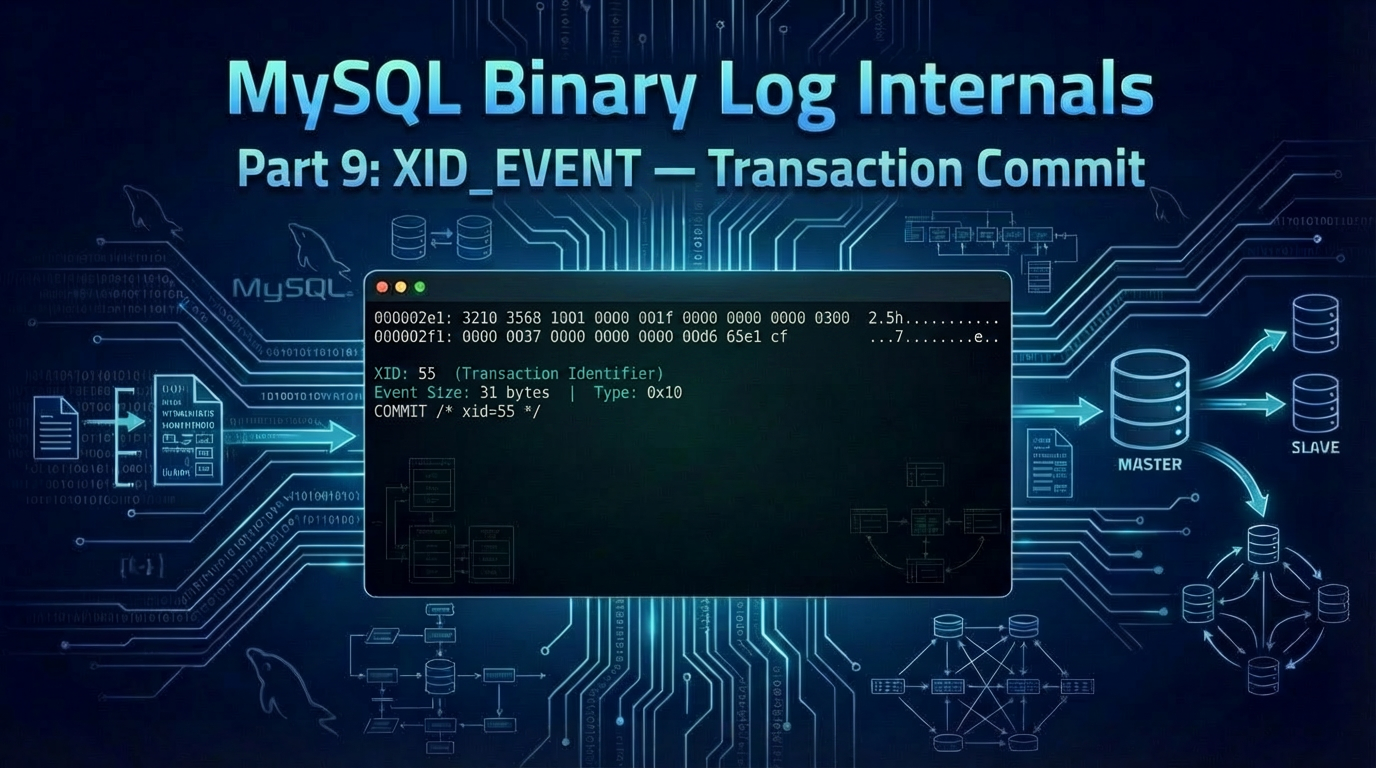
In this ninth post of our series, we decode the XID_EVENT — the smallest event in the binary log, and the one that marks every transactional commit. Introduction Every DML transaction we've decoded so far ends the same way: with an XID_EVENT (event type 16, 0x10). At only 31 bytes on the wire, it carries a single piece of information — an 8-byte transaction identifier — but it does some of the heaviest lifting in MySQL replication. The XID_EVENT is what allows replication to be crash-safe wit
Marcelo Altmann
One of the most requested features since Readyset first supported MySQL has been GTID-based replication. With the latest release, Readyset now fully supports MySQL Global Transaction Identifiers (GTIDs), and with it, a capability that changes how you think about cache durability: zero-downtime failover. This post covers what GTID support means for Readyset users, how failover works in practice, and why this matters for anyone running Readyset in production. The Problem with Binlog File and Po
Marcelo Altmann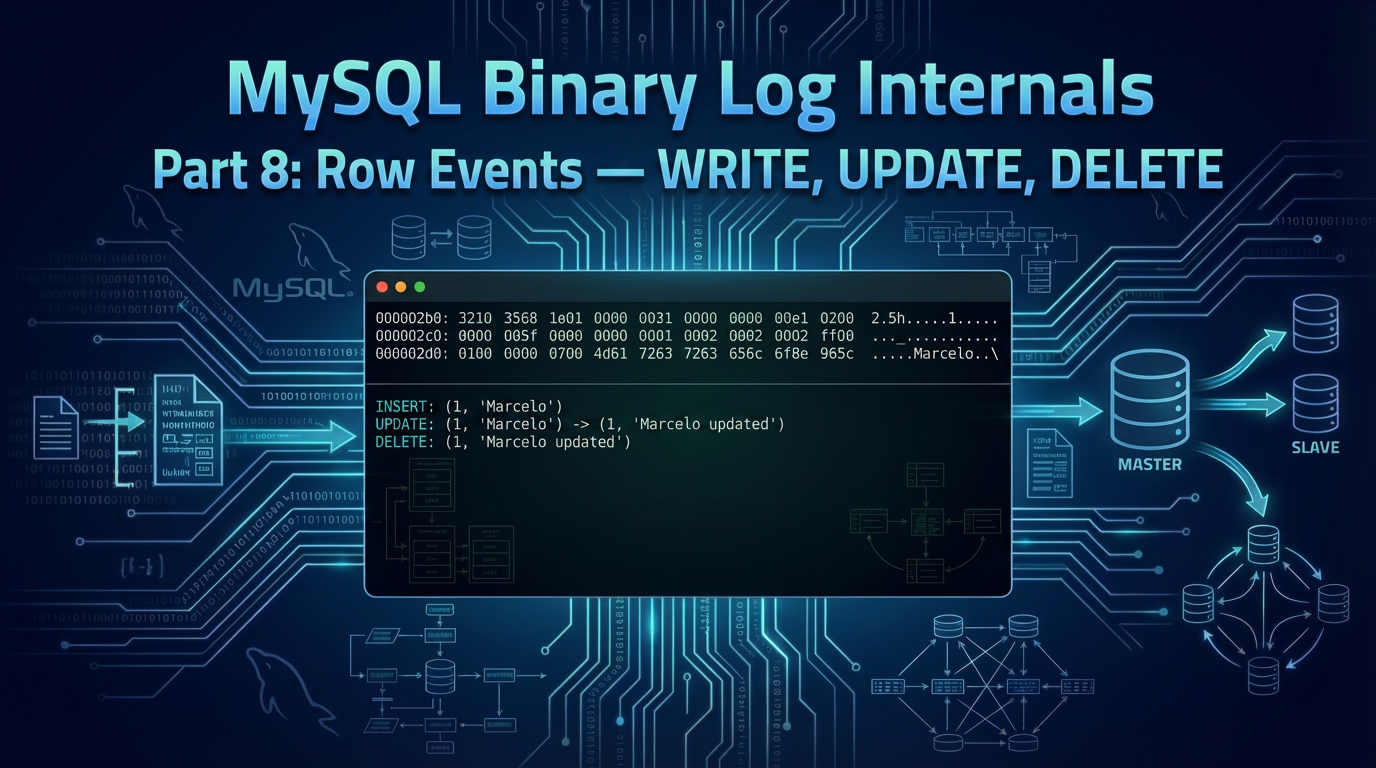
In this eighth post of our series, we decode the three row events — WRITE_ROWS_EVENT, UPDATE_ROWS_EVENT, and DELETE_ROWS_EVENT — that carry the actual row data for INSERT, UPDATE, and DELETE operations in row-based replication. Introduction In the previous posts, we decoded the events that set the stage for row-based replication: the GTID_LOG_EVENT identifies the transaction, the QUERY_EVENT opens it with BEGIN, and the TABLE_MAP_EVENT describes the table's schema. Now we finally arrive at th
Marcelo AltmannModern applications demand instant performance, even under unpredictable load. Readyset helps you eliminate slow queries, stabilize latency, and scale confidently.
Revolutionize your database performance with Readyset
Serve requests at sub-millisecond latencies with the modern database scaling and query caching system for MySQL and PostgreSQL.
Join our newsletter
Stay updated with the latest news, insights, and developments from Readyset — straight to your inbox.